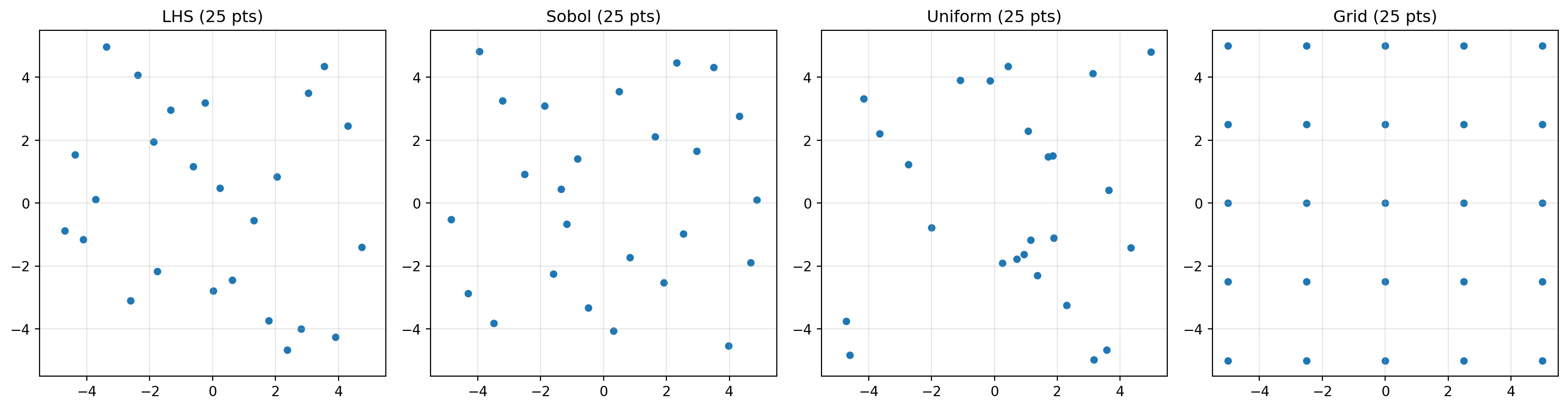
Space-filling designs for the initial evaluation phase: LHS, Sobol, grid, and more.
Before fitting a surrogate, spotoptim evaluates the objective at an initial set of design points. These points should be spread evenly across the search space to give the surrogate a good starting picture of the response surface.
The spotoptim.sampling.design module provides several design generators. All accept bounds, n_design (number of points), and an optional seed.
Latin Hypercube Sampling (Default)
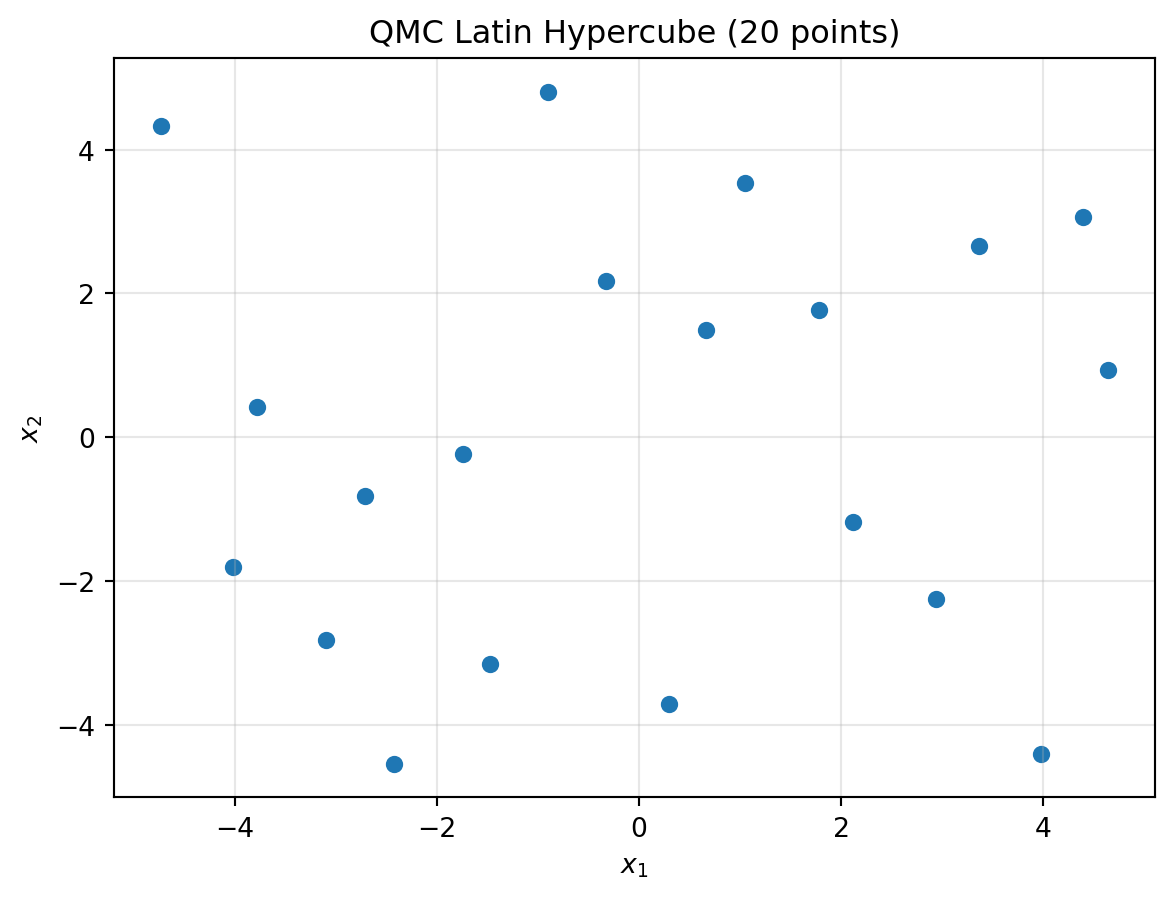
Latin Hypercube Sampling (LHS) ensures each variable’s marginal distribution is well-covered. spotoptim uses the QMC variant by default.
import numpy as npimport matplotlib.pyplot as pltfrom spotoptim.sampling.design import generate_qmc_lhs_designbounds = [(-5, 5), (-5, 5)]X = generate_qmc_lhs_design(bounds, n_design=20, seed=0)plt.scatter(X[:, 0], X[:, 1], s=30)plt.xlabel("$x_1$")plt.ylabel("$x_2$")plt.title("QMC Latin Hypercube (20 points)")plt.grid(True, alpha=0.3)plt.show()print(f"Shape: {X.shape}")
Shape: (20, 2)
Sobol Sequences
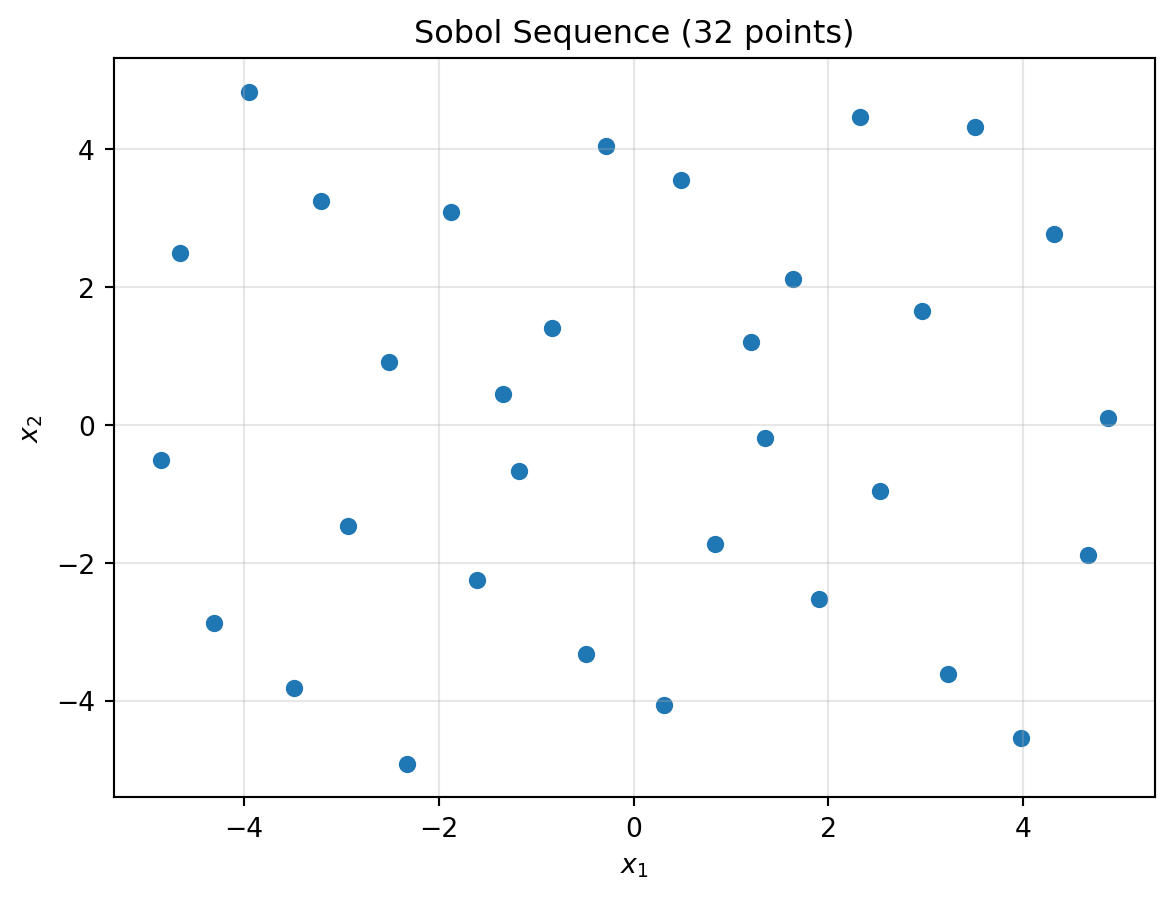
Sobol sequences are quasi-random low-discrepancy sequences. They provide very uniform coverage, especially useful in higher dimensions.
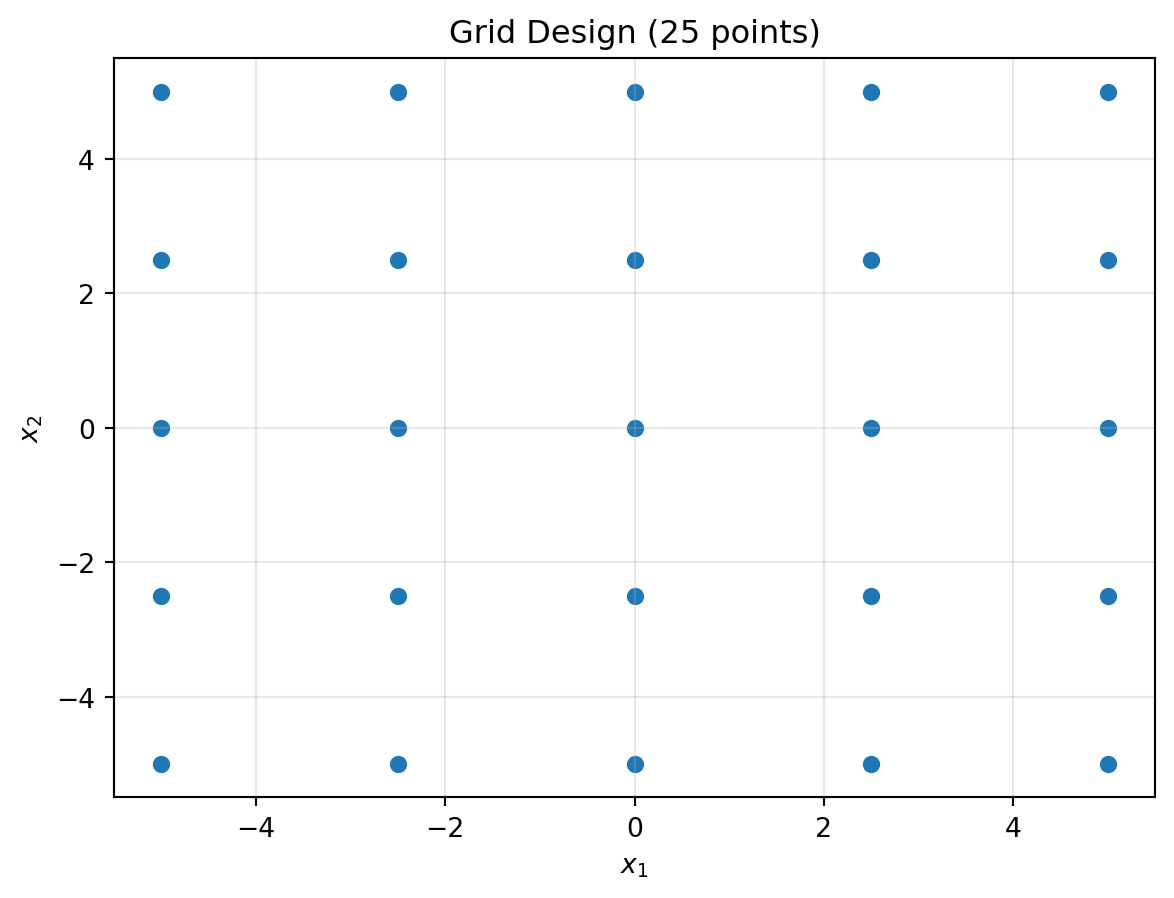
A regular grid with equal spacing per dimension. The actual number of points is \(\lfloor n^{1/d} \rfloor^d\) where \(n\) is the requested count and \(d\) is the number of dimensions.